Safe Multi-Signature Wallet
Safe (formerly Gnosis Safe) is now available on the Autonomys network, providing industry-leading multi-signature wallet functionality for secure asset management and decentralized operations.
Overview
Safe is a battle-tested smart contract wallet infrastructure that enables multi-signature security across blockchain networks. With its deployment on Autonomys, teams, DAOs, and individual users can now benefit from enhanced security features and shared asset control on both our mainnet and testnet environments.
⚠️ Do not transfer directly to a centralized exchange from a Safe. A Safe is a smart contract wallet, not a standard externally owned account (EOA). Many centralized exchanges do not support deposits originating from smart contract wallets, and funds sent from a Safe to an unsupported exchange deposit address can be lost or require a manual, time-consuming recovery process. Before sending any assets from a Safe on Autonomys to an exchange, confirm with that exchange that it supports deposits from smart contract (Safe) wallets. If you are unsure, first move the funds to a standard wallet address you control and deposit from there.
Network Availability
Safe is currently deployed and accessible at: https://safe.autonomys.xyz
Transaction Service
The dedicated Transaction Service is available at https://transaction.safe.autonomys.xyz
Key Features
Safe on Autonomys provides the following capabilities:
- Multi-signature security: Require multiple signatures for transaction approval
- Shared asset control: Enable collaborative fund management across team members
- dApp integration: Interact with decentralized applications using your Safe wallet
- Smart contract deployment: Deploy and manage contracts with enhanced security
- Customizable policies: Set spending limits and approval requirements
Use Cases
Safe is ideal for:
- Teams and organizations: Secure collaborative fund management
- DAOs: Decentralized governance and treasury management
- Project treasuries: Multi-party control over project funds
- Individual users: Enhanced security for high-value assets
Getting Started
Creating a Safe Wallet
-
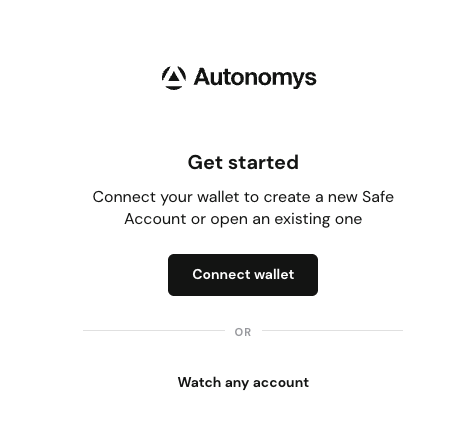
Visit safe.autonomys.xyz
-
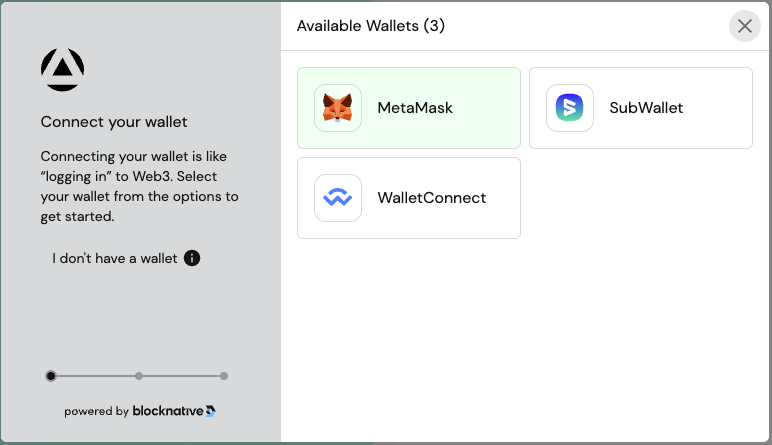
Connect your wallet
-
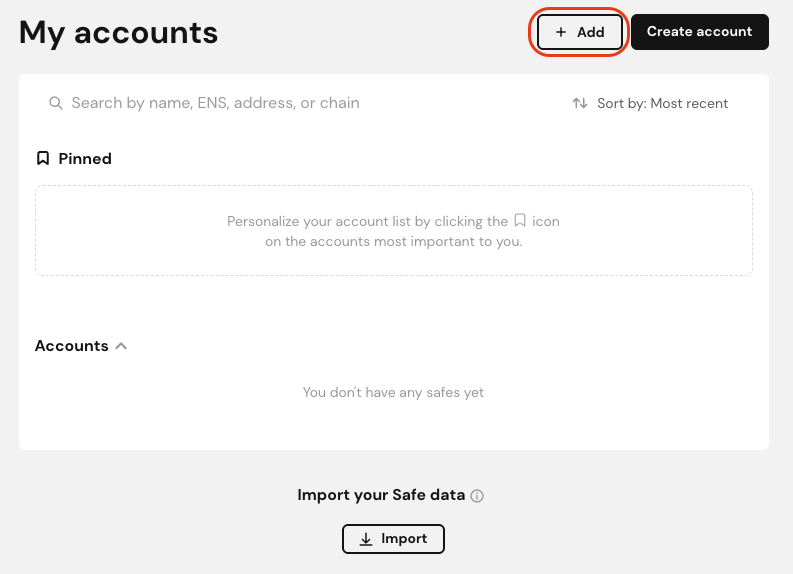
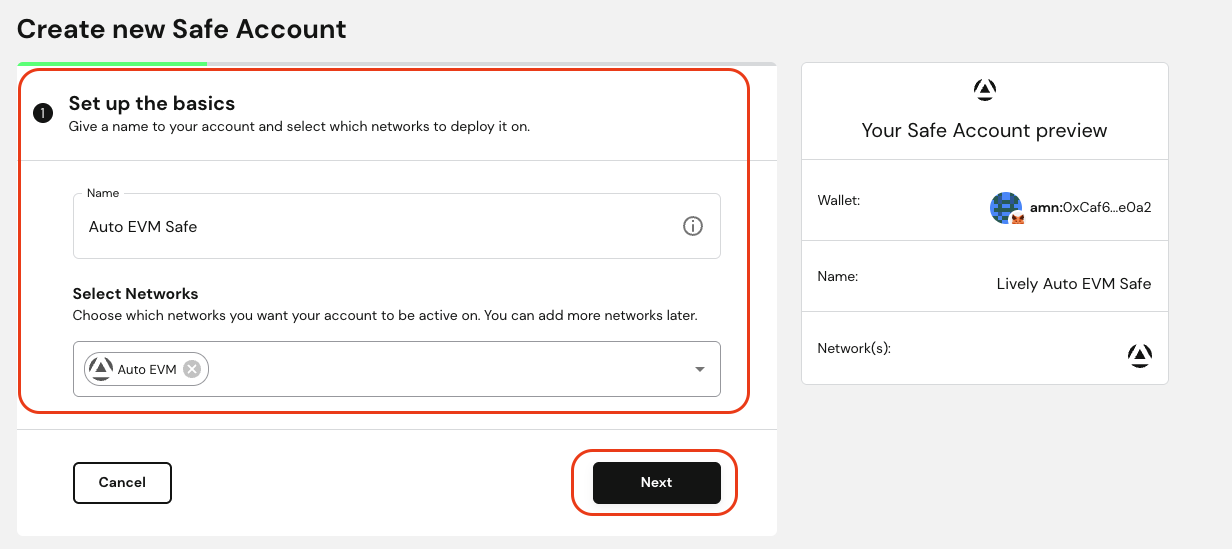
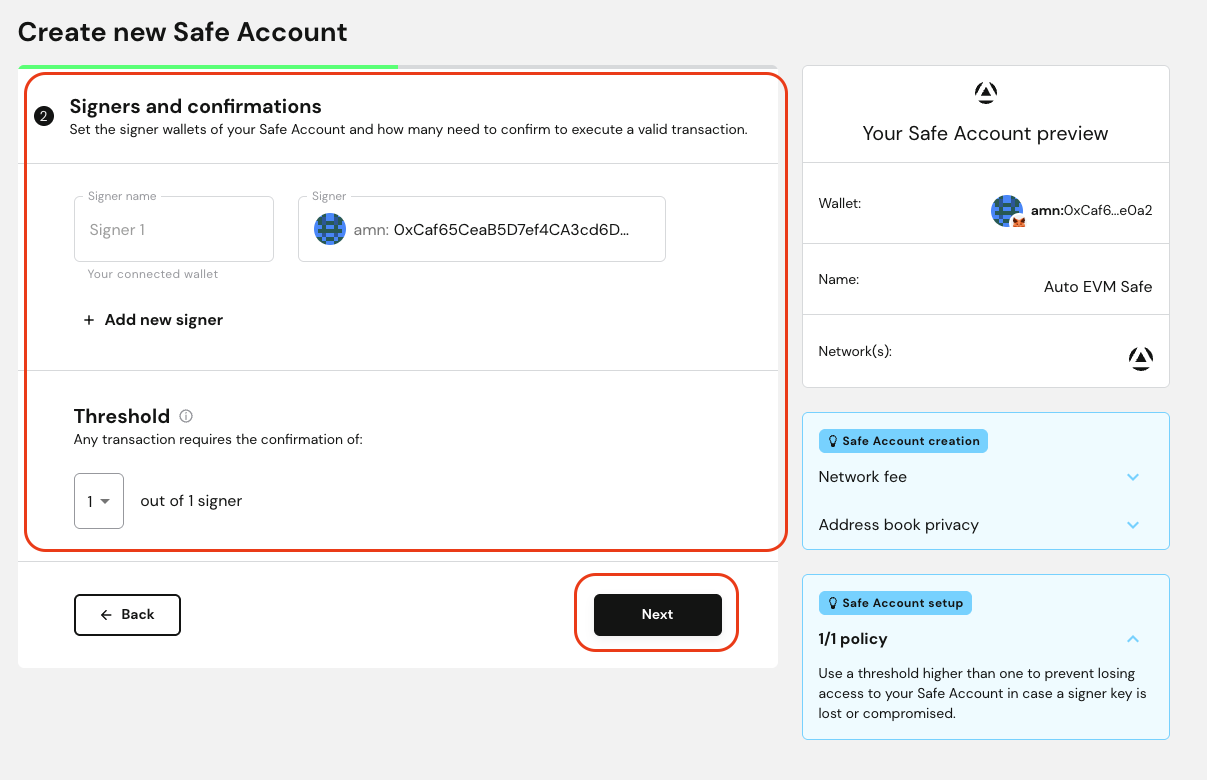
Create a new Safe by specifying:
- Wallet name
- Owner addresses (signers)
- Confirmation threshold (required signatures)
-
Deploy your Safe wallet
Managing Your Safe
Once created, you can:
- Add or remove owners
- Change signature requirements
- Execute transactions
- Interact with dApps
- View transaction history